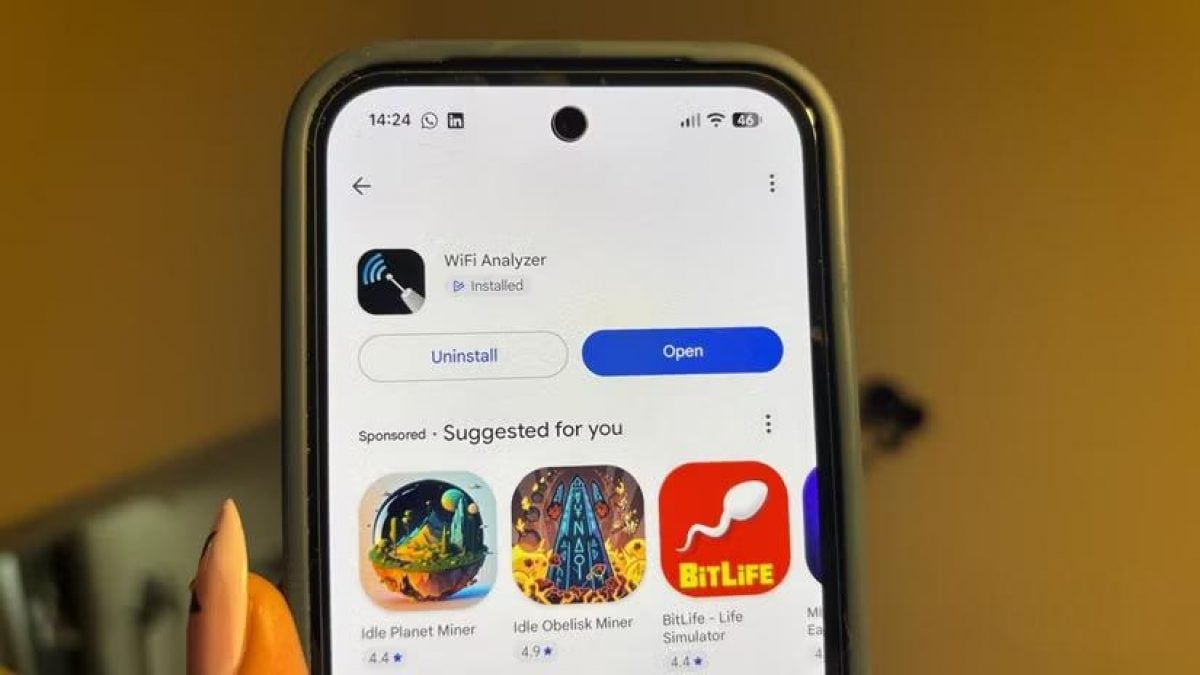
Saved Wi-Fi passwords can be accessed directly on Android, iPhone, Windows, and Mac devices without third-party applications, tech site Tecnoblog reported on August 19, 2026.
Users who forget their network credentials do not need to inspect physical routers if their smartphone or computer is currently connected. Operating systems store access keys within system menus that can be viewed or copied in a few steps.
The precise steps required to reveal network credentials depend on the operating system in use. Tech outlet Tecnoblog detailed instructions for mobile platforms as well as desktop operating systems.
Finding passwords on Android devices
On Android devices, the retrieval process varies slightly across different smartphone manufacturers and software versions, though the underlying method remains consistent across the platform.
To access saved network data, users open the Settings menu and navigate to the Connections or Network and Internet section. Selecting Wi-Fi and tapping the gear icon next to the active connection opens the network properties.
Selecting the QR code setting generates a scannable code containing the network information. On certain devices, such as Motorola smartphones, the password appears immediately beneath the generated image.
For phones manufactured by Samsung or Xiaomi where the text is not visible, users can take a screenshot of the QR code and process it using Google Lens. The image recognition tool automatically extracts and displays the network credentials.
Android is an open source mobile operating system developed by Google that powers smartphones worldwide. Google Lens is a visual search and image analysis tool integrated into Google services that can scan text, barcodes, and QR codes from images.
Accessing saved keys on Apple iPhone
Retrieving a stored wireless key on Apple iOS devices follows a streamlined path within system parameters. Users open Settings, select Wi-Fi, and tap the name of the network their iPhone is connected to.
Tapping the Password option prompts the device to verify user identity. Once authentication is confirmed using Face ID, Touch ID, or a device passcode, the hidden bullet points disappear to reveal the saved password.
iOS is the proprietary operating system developed by Apple for its line of iPhone smartphones. Face ID and Touch ID are biometric authentication technologies designed by Apple to secure personal data using facial recognition or fingerprint scanning.
Checking Wi-Fi keys on Windows and Mac
For desktop and laptop computers running Microsoft Windows, network security keys are located inside wireless connection properties. Users open Settings, navigate to Wi-Fi settings, and select the properties of the active network.
Scrolling down the properties page leads to an option titled View Wi-Fi security key. Clicking the view button opens a system window displaying the saved passphrase.
On Apple Mac computers running macOS, users open the Apple menu in the top left corner of the screen and select System Settings. After opening the Wi-Fi section, clicking the three dots icon next to the network name opens a context menu.
Selecting Copy password from the menu places the credentials onto the system clipboard. The password can then be pasted directly into any text field or messaging program.
Windows is a desktop operating system developed by Microsoft, while macOS is the desktop operating system created by Apple for Mac personal computers. Both platforms include built-in security features to manage saved network credentials.
Sharing access credentials with QR codes
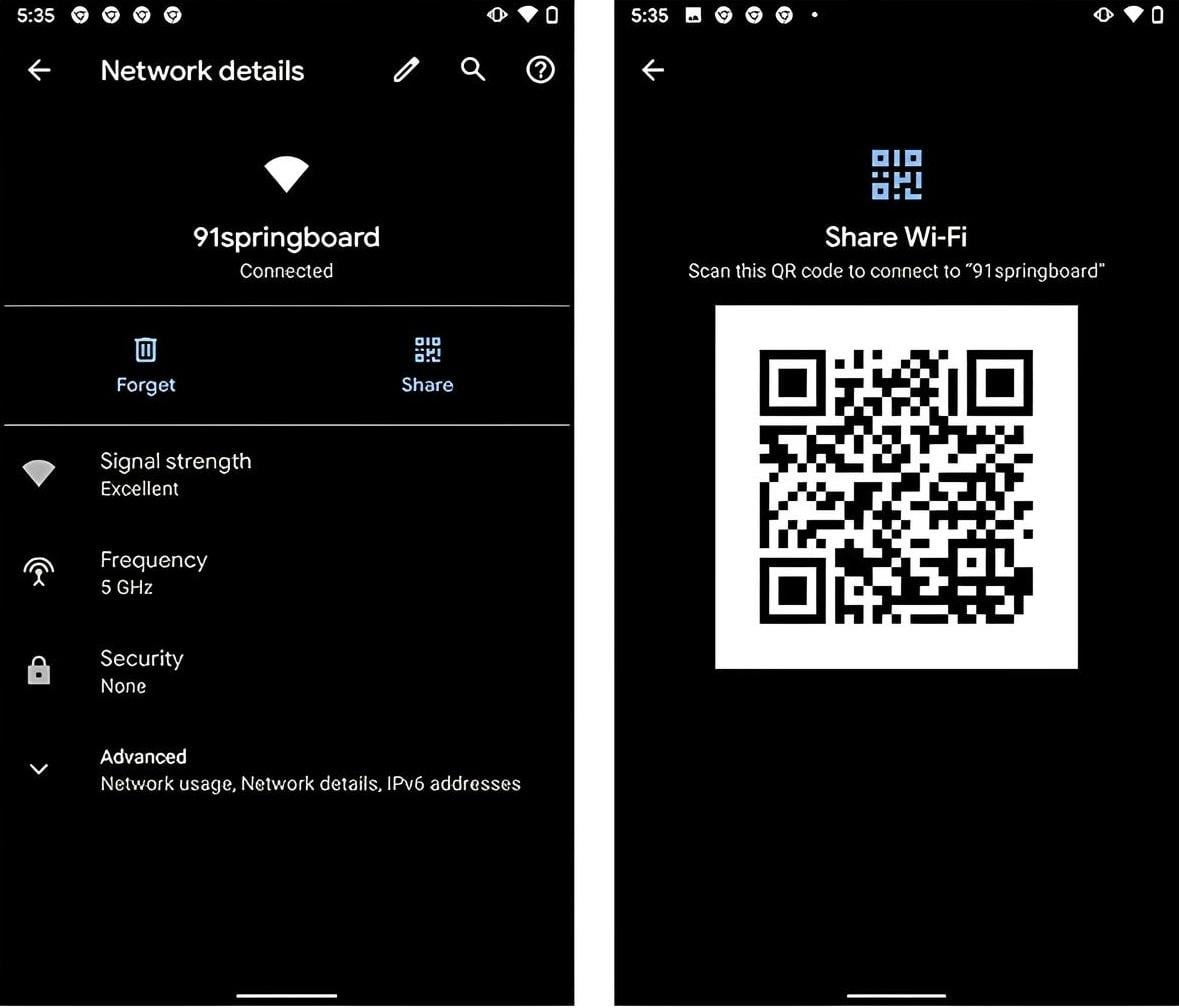
Generating a QR code allows users to share network access with others without dictating long, complex passphrases manually.
Network codes can be created using native Android tools, the Shortcuts application on iPhone, or online platforms such as QR Code Generator. Scanning the code with a smartphone camera connects the receiving device to the network automatically.
Quick Response codes, or QR codes, are two-dimensional matrix barcodes originally designed for tracking items. Modern mobile cameras can read these codes automatically to transfer data or configure settings.
Optimising home router settings
The guide follows previous reports highlighting underutilised capabilities built into modern home wireless hardware. Experts noted that contemporary routers serve as comprehensive network management hubs rather than simple internet traffic splitters.
Previous advice also outlined proper router antenna orientation to eliminate coverage dead zones inside homes and apartments. Experts previously detailed five hidden router features that most users ignore.
Wireless routers connect home devices to the wider internet by broadcasting radio signals. Regular maintenance of router settings and network credentials helps maintain stable connectivity across connected devices.