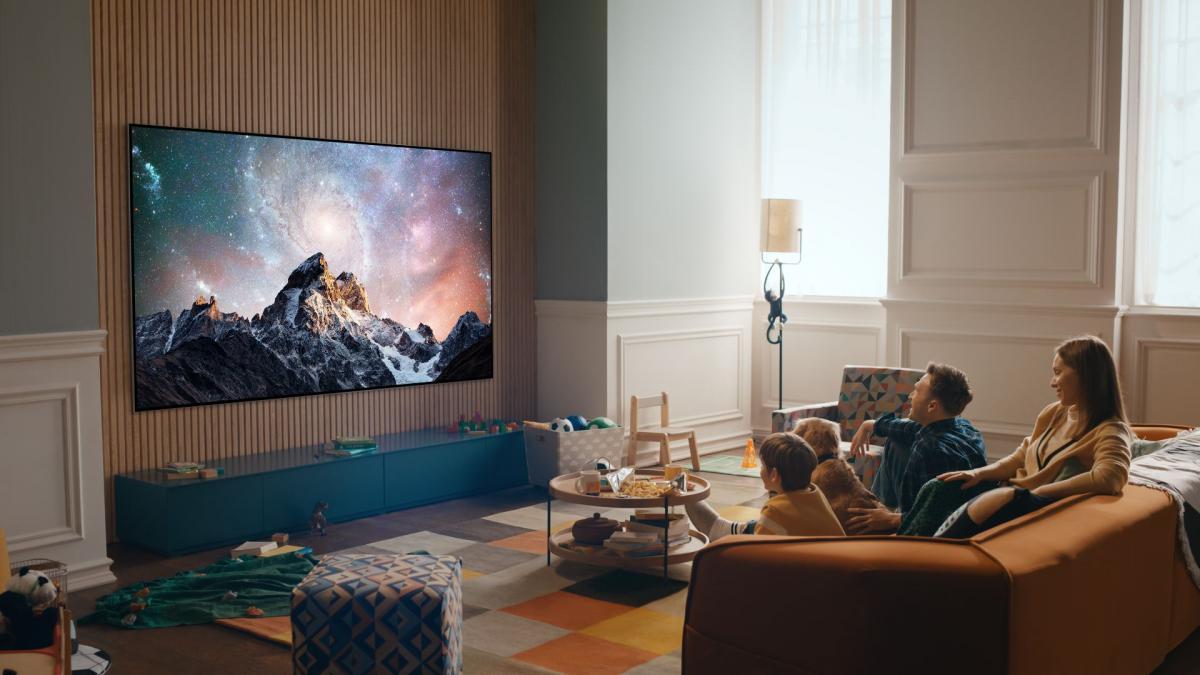
New television owners must turn off store demonstration mode immediately after purchase to prevent display settings from resetting continuously, tech outlet Engadget reported. Buyers routinely adjust brightness, contrast, and audio on new sets while neglecting to disable the factory display setting.
Manufacturers enable demo mode or store mode for retail showcases, setting screen brightness and contrast to maximum levels. While these high settings suit bright store lighting, Engadget reported that they produce overly sharp images, unnatural colors, and uncomfortable viewing in home living rooms. Any manual picture adjustments made by owners will automatically revert to factory store defaults whenever the television restarts.
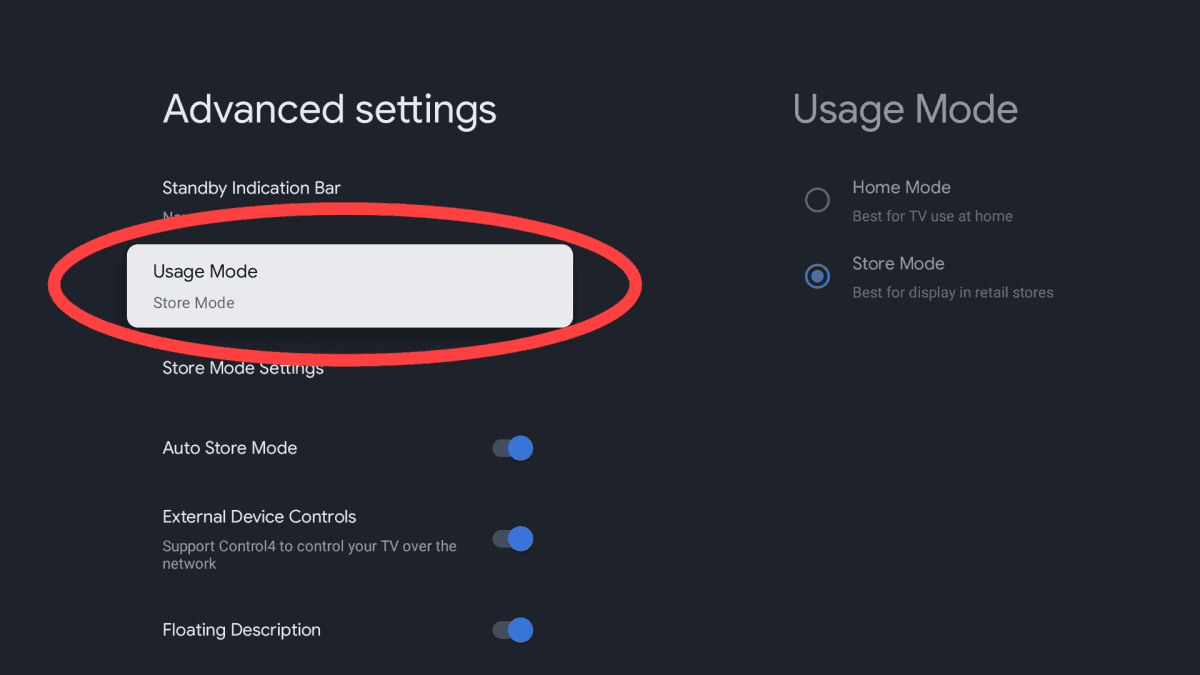
Disabling store demonstration settings
Disabling the feature requires navigating through the main menu under settings, advanced settings, and usage mode. Depending on the brand, owners must change the active selection from demo mode or store mode to home mode. Some models also include an auto store mode setting that users must turn off to prevent automatic reversion.
Switching to home mode prevents the device from wiping custom preferences while making the picture appear noticeably more natural. Owners can then safely fine tune brightness and contrast levels or select preset image profiles such as cinema or movie mode. The adjustment takes only a few minutes after unboxing.
In separate testing, experts previously identified an affordable Samsung OLED television that delivers performance close to flagship models for consumers seeking an entry level OLED display.