

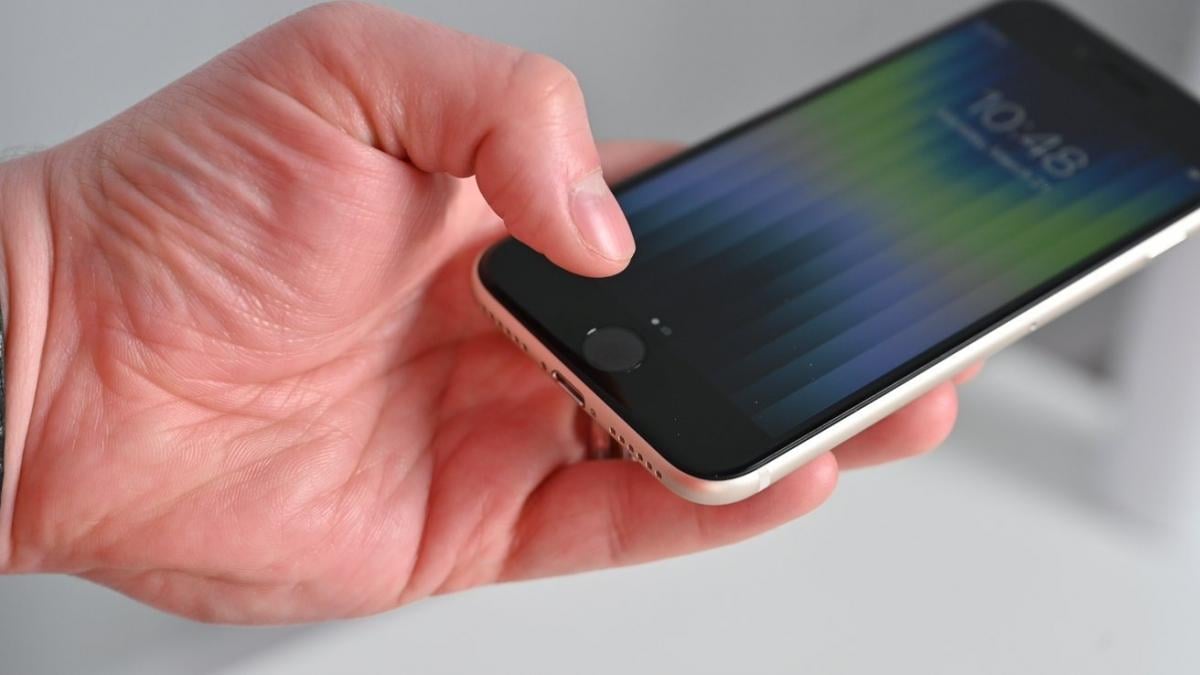
Apple has phased out the iPhone's physical Home button, replacing it with gesture controls and Face ID as part of a push toward a more minimalist design, according to BGR.
The Home button debuted with the first iPhone in 2007, letting users return to the main screen at any moment and making the touchscreen device approachable even for first-time users, BGR reported.
Apple later expanded the button's role. The iPhone 5s added a Touch ID fingerprint scanner inside it, and the iPhone 7 replaced its mechanical mechanism with a solid-state system using Taptic Engine haptic feedback, improving reliability by reducing moving parts.
Apple began phasing the button out with the iPhone X in 2017. The transition was gradual, with the button surviving for a couple more years on the iPhone SE, which kept the older iPhone 8 design. Every current iPhone now uses Face ID, and BGR said a return of the physical button looks unlikely.
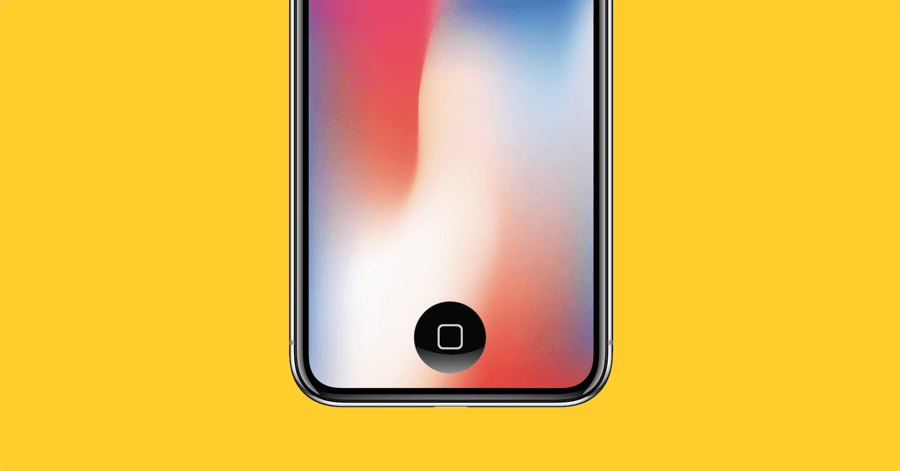
The change proved divisive among Apple fans. Some welcomed the more modern design, while others mourned the loss of Touch ID, tactile feedback and a control method that beginners found easy to understand.
Why Apple removed the button
According to BGR, Apple's main motivation was to maximize screen area and move toward a design with fewer elements on the front panel. By 2017, the classic rectangular iPhone screen with thick bezels was starting to look dated, while rivals were already moving toward bezel-less devices, including Samsung, which launched the curved-display Galaxy S6 Edge back in 2015.
Removing the Home button freed up space inside the phone's body and around the display, letting Apple stretch the screen nearly edge to edge, leaving room only for the Face ID sensors at the top. The freed space also allowed for a larger battery. Apple also overhauled how users navigate the phone, replacing button presses with gestures such as swiping up from the bottom to close an app and return home.
Bringing back a virtual Home button
Although the physical button is gone, Apple still lets users recreate a virtual version through its AssistiveTouch feature. It won't restore Touch ID or real tactile clicks, but it places an on-screen button that functions like the old Home button.
To turn it on, users go to Settings, then Accessibility, then Touch, then AssistiveTouch, and enable the feature. Once activated, a white circle appears on screen that can be moved anywhere, including the bottom center of the display to mimic the old button's position.


