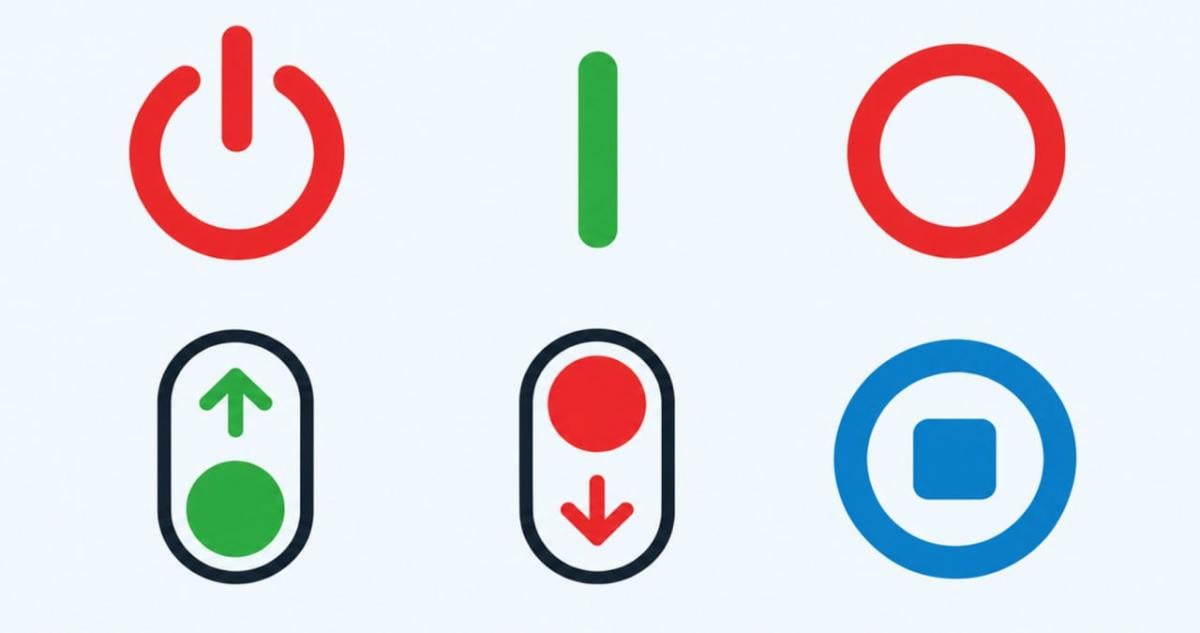
Electronic devices, personal computers, and household appliances around the world use standardized symbols including I, O, I/O, and ⏻ to control power functions without using written words, according to tech report publication SymbolsDoor.com.
The design system relies on binary code, in which the vertical line I represents the digit one for an active state and the circle O represents zero for an inactive state. Flipping a mechanical toggle toward the vertical line activates the device, whereas selecting the circle side turns it off.
Binary notation forms the mathematical foundation of digital computing and electronic circuit design. In computer hardware, electrical switches and logic gates operate in two binary states, where high voltage corresponds to logical one and zero voltage corresponds to logical zero. Adapting these basic digits into physical hardware labels allowed electrical engineers to create a universal visual standard for switch states.
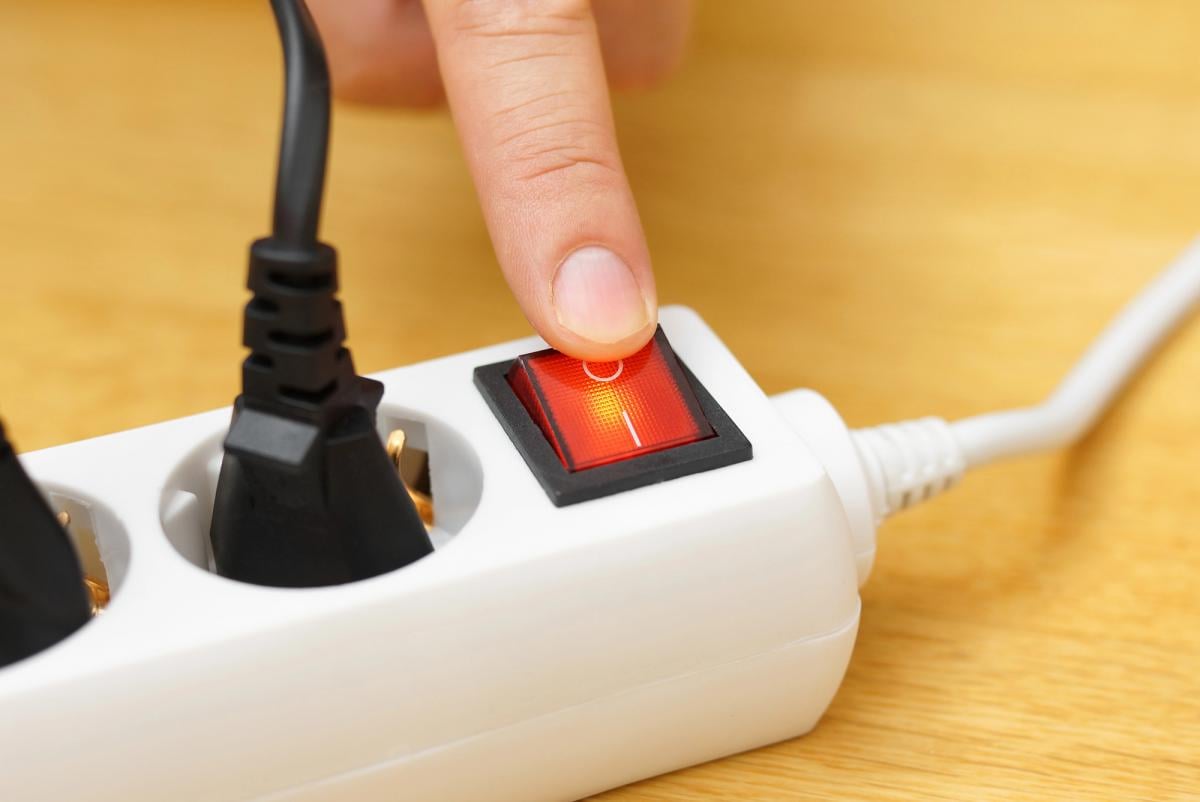
Binary origins of power switches
While traditional switches often feature separate I and O labels or a combined I/O mark, the most common power control sign on modern consumer electronics is ⏻, which depicts a vertical line extending into the top of a circle.
This power control symbol appears regularly on laptop computers, desktop monitors, televisions, gaming consoles, and various household electronics. It serves as the primary interface for powering devices on and managing operational states.
Unlike a traditional mechanical toggle marked with an O, pressing a button bearing the ⏻ icon does not always cut electrical power completely from the internal components of a device.
Depending on how the manufacturer implemented power management in hardware, pushing the ⏻ button can launch a full system boot sequence, trigger an operating system shutdown routine, or place the hardware into a low-power sleep mode.
In hardware design, a physical rocker switch physically opens or closes an electrical circuit, completely interrupting current flow when set to the off position. In contrast, modern electronic power buttons are momentary tactile switches. Pressing a momentary switch sends an electrical pulse to a microcontroller or power management chip, leaving software to determine the resulting action.
International engineering organizations formally standardized these graphical markings under global electrotechnical guidelines to ensure consistent iconography across international consumer markets. These standards establish distinct graphical rules to separate true mechanical cut-offs from electronic standby buttons managed by system firmware.

Manufacturer design choices and safety
Electronics manufacturers favor universal symbols primarily to simplify international production and distribution networks. By relying on graphical icons instead of printed text, companies avoid having to customize switch panels for different languages across export destinations.
Technology specialists emphasize that users must distinguish between a mechanical O switch and the ⏻ power control button. A mechanical switch set to O guarantees an open circuit with zero electrical flow, whereas a ⏻ button relies on hardware microcontrollers and operating system settings to manage power states.
When operating complex machinery or high-voltage electrical equipment, users should never rely solely on surface symbols to assume safety. Official safety guidelines dictate that users consult manufacturer instruction manuals to verify power status before performing maintenance or handling internal wiring.
Visual standardization extends across many other consumer technology interfaces to replace text instructions with intuitive signs. Common examples include trident symbols on universal serial bus connectors, status bar indicators on mobile operating systems, and care instructions on home appliances, enabling consumers to navigate equipment settings across global markets.