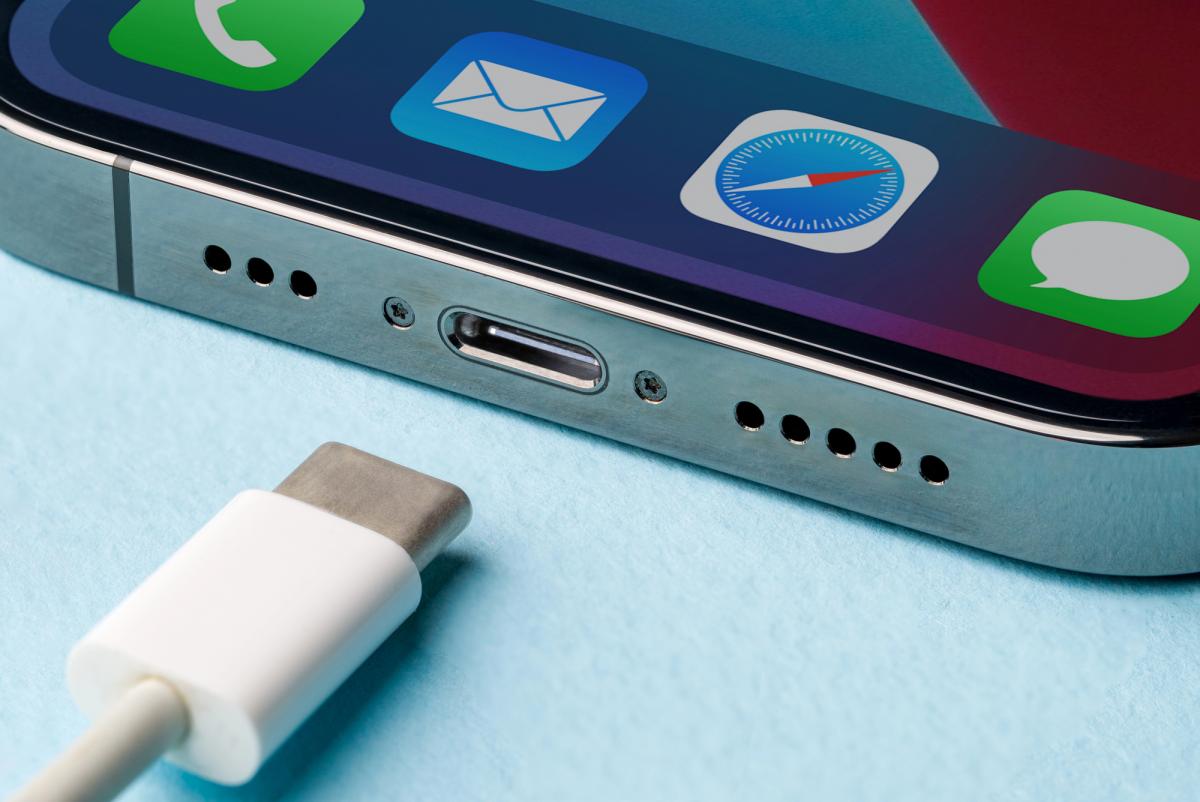
Smartphone owners whose USB-C charging port has stopped working face a choice: pay to have it repaired or find a way to keep using the phone without it, according to a report by BGR.
Modern iPhone and Android devices rely on USB-C ports not just to charge the battery but also to transfer data. Manufacturers design the ports to withstand at least 10,000 cycles of plugging and unplugging a cable, so in most cases they last several years before breaking down, BGR reported.
That rating is not a guarantee the port will survive the entire life of the phone. Several things can cause a USB-C port to fail. It can be damaged by misuse or contact with liquid, and not just plain water: salt water and other drinks are just as harmful. The port can also break if the phone is dropped while a cable is still plugged in.
Why USB-C Ports Stop Working
Sometimes the fault lies with a defective component caused by a manufacturing defect. But before paying for a repair, BGR suggests ruling out a far simpler culprit: dust and pocket lint that build up inside the port and stop the cable from making proper contact with the phone. When that happens, the device may fail to charge or to transfer data at all.
Diagnosing the problem is straightforward. Users should first inspect the port and carefully remove any debris, while also checking whether the internal contacts inside the port move. After cleaning it out, the cable should be reconnected. If charging still does not start, it is worth trying a different USB-C cable, a different power adapter, and even a different wall outlet, since the fault may not be in the port at all.
When It Is Worth Replacing the Port
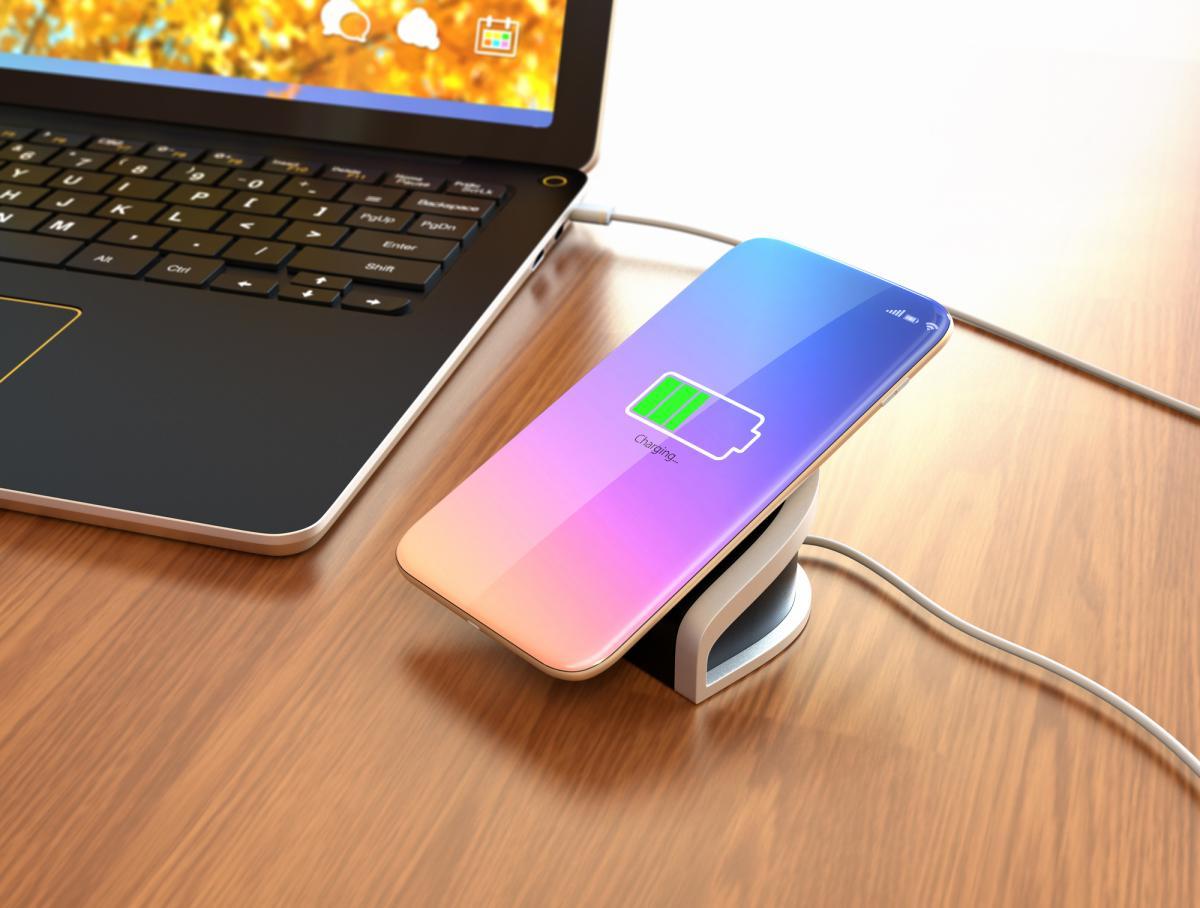
Once a faulty USB-C port has been confirmed, the next question is whether repairing it is actually necessary. In theory, a phone can still be used without replacing the port, for example by switching to wireless charging and transferring files over Wi-Fi. That option makes particular sense for anyone planning to buy a new device soon anyway.
But for anyone who needs to charge quickly, a working USB-C port is hard to replace. The iPhone 17, for instance, can reach 50 percent charge in about 20 minutes using a cable and a 40-watt adapter. Reaching the same level through MagSafe, Apple's wireless charging system, with a 30-watt adapter takes around 30 minutes.
The Galaxy S26 is rated for wireless charging of between 15 and 25 watts, while its wired charging reaches 60 watts. Many Chinese Android phones go further still: the OnePlus 15 supports wired charging up to 80 watts and wireless charging up to 50 watts. Anyone chasing the fastest possible charging speed has good reason to fix a broken port rather than go without.
People who regularly back up data to a computer or shoot large amounts of video for editing should also consider a repair, since a wired connection is usually faster and more reliable than wireless transfer. On the iPhone 17 Pro, data transfer speeds over USB-C reach 10 gigabits per second, compared with just 480 megabits per second on the standard iPhone 17.
Plugging a phone into a computer with a cable can also be more convenient than using AirDrop or wireless iCloud backups. For anyone who relies on external SSDs or other accessories, a working USB-C port is essential rather than optional.
Cost and Difficulty of Replacing a USB-C Port
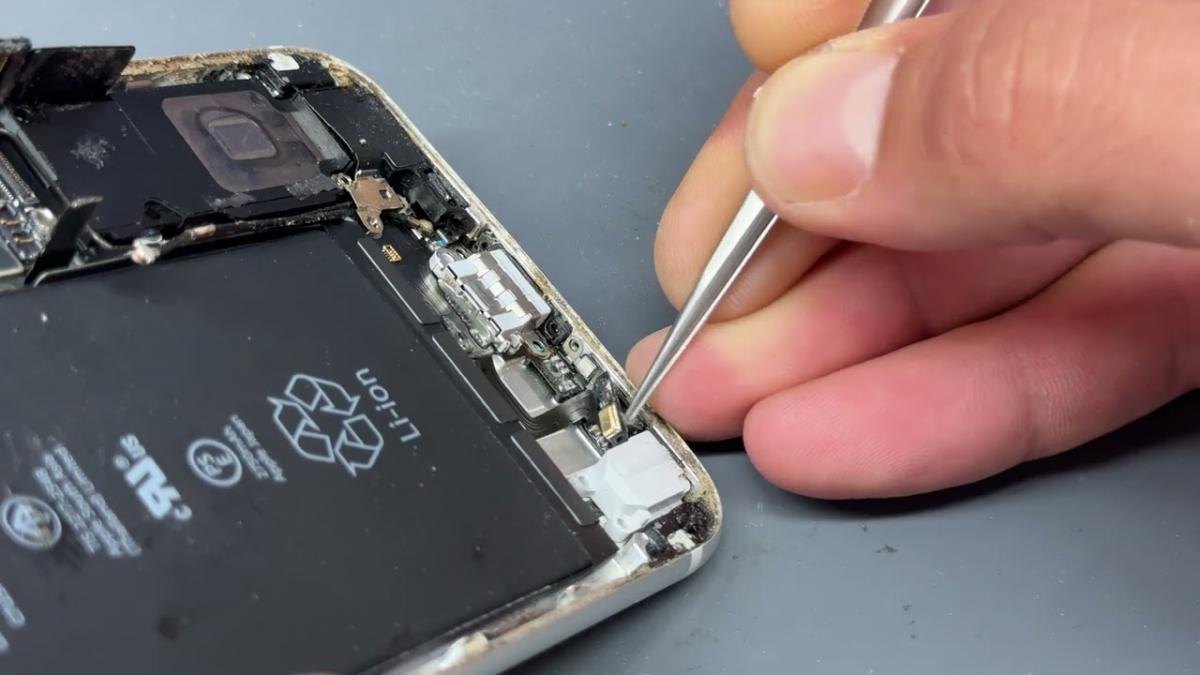
Once a broken USB-C port has been confirmed, owners have to choose between repairing it themselves or going to an authorized service center. A do-it-yourself repair is possible with the right tools and experience, though the process can take a long time.
Depending on the phone model, reaching the USB-C port can require removing the screen or back cover, taking out the battery, and then dismantling other components at the bottom of the case before the circuit board holding the port can be reached and swapped out.
Inexperienced users are better off leaving the job to specialists at Apple, Samsung or an authorized service center. Cost depends on the model, the manufacturer and whether the device is still under warranty. iPhone owners with AppleCare+ pay up to $99 for accidental damage. Without that coverage, Apple inspects the device first and only then quotes a repair price. Samsung and other manufacturers likewise calculate cost on a case-by-case basis.
Doing the repair at home means paying only for parts, though those are not cheap either. A USB-C repair kit for iPhone from iFixit, the repair and parts company, can cost more than $60, while an original charging board for a Pixel phone costs $50. Going to a service center adds the cost of labor, but that expense can be worthwhile, since a DIY repair raises the risk of damaging the screen, battery or other components. An experienced technician is also more likely to preserve the phone's water and dust resistance.
Apple Ranked Worst for Repairability
Separately, the consumer advocacy group PIRG rated Apple smartphones the hardest to repair among the devices it tested. Out of 105 phones evaluated, the iPhone finished last, receiving a grade of D-. Motorola, PIRG found, came out on top for repairability.
New European Union "ecodesign" rules for smartphones took effect in June 2025. Under the rules, all devices entering the EU market must be protected against dust and splashes, and manufacturers must supply spare parts for them for seven years after sales end.