

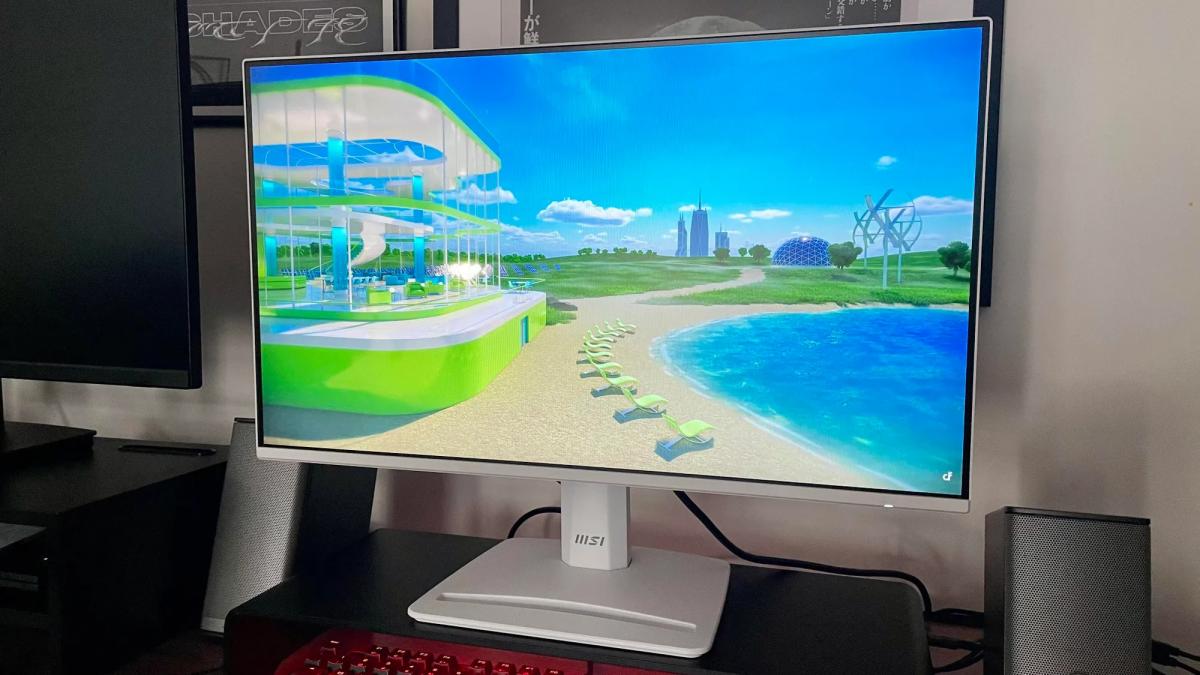
Unused computer monitors with High-Definition Multimedia Interface ports can be easily converted into functional televisions or streaming screens, technology publication ZDNET reported.
Experts from ZDNET noted that repurposing old computer displays prevents electronic waste and offers an affordable viewing setup for bedrooms, home offices, or garages without requiring complex technical installation.
The simplest method to watch streaming services such as Netflix and YouTube involves connecting a dedicated streaming device to the monitor HDMI port. Popular hardware options include the Amazon Fire TV Stick and the Roku Ultra. After plugging in the media player, users need only turn on the display, select the corresponding HDMI input channel, and configure their wireless internet connection.
Before purchasing a media player, display owners should check whether their monitor supports High-Bandwidth Digital Content Protection. HDCP is an encryption standard designed to prevent unauthorized copying of digital audio and video content as it travels across HDMI connections. Without HDCP compatibility, the monitor will be unable to play protected streaming movies and television series.
Older monitors can also serve as dedicated screens for physical media by connecting DVD or Blu-ray players directly through HDMI cables. Many existing computer monitors support 1080p Full HD resolution of 1920 by 1080 pixels at a 60 Hz refresh rate, producing visual clarity comparable to budget television sets.
Connecting over-the-air television antennas
Connecting a traditional television antenna involves additional technical steps. Antennas rely on radio frequency signals, whereas standard desktop computer monitors lack integrated digital television tuners and cannot process direct coaxial antenna inputs.
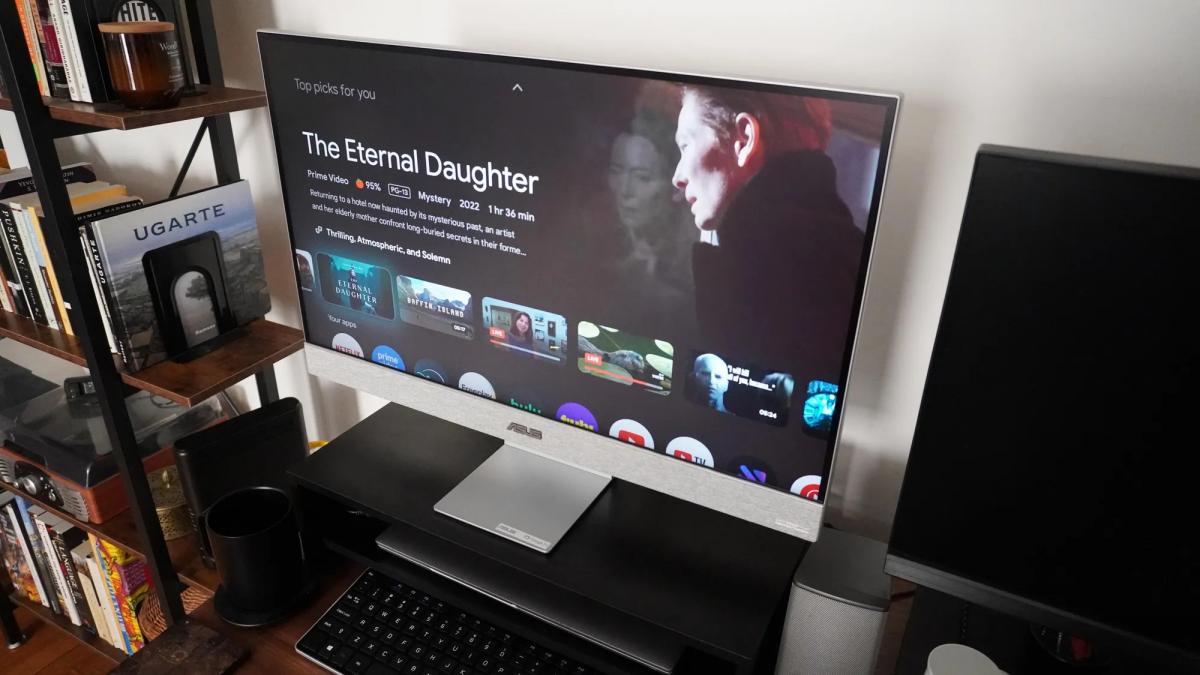
A digital television set-top box resolves this connection barrier. The antenna connects directly to the receiver box, which decodes the broadcast signal and transmits video output to the monitor via HDMI. This setup enables viewing free over-the-air channels, including live news broadcasts, sporting events, and scheduled television programs.
Some receivers also include recording features. Dedicated over-the-air tuner boxes allow viewers to record live television broadcasts to internal or attached storage for later playback. Over-the-air broadcast signals do not employ HDCP encryption protocols, reducing potential content playback compatibility issues.
Resolving monitor audio output options
Audio configuration requires extra attention because many computer displays lack built-in internal speakers. Sound output can still be established easily without significant expense.
When using media streaming devices, users can pair a wireless Bluetooth speaker if the streaming hardware or display supports short-range Bluetooth audio transmission. Alternatively, standard desktop computer speakers offer a straightforward wired solution, particularly budget models powered by USB connections or standard 3.5 millimeter audio jacks.
Display settings and testing insights
Repurposing older screens builds on broader guidance regarding display performance and hardware selection. ZDNET experts previously evaluated top organic light-emitting diode (OLED) monitors for gaming computers in 2026, selecting five recommended models across various price points after testing dozens of displays.
Ukrainian news agency UNIAN also identified five key display settings that users should adjust immediately after setup. The agency noted that even premium monitors frequently operate below their maximum potential when using factory default settings out of the box.


