

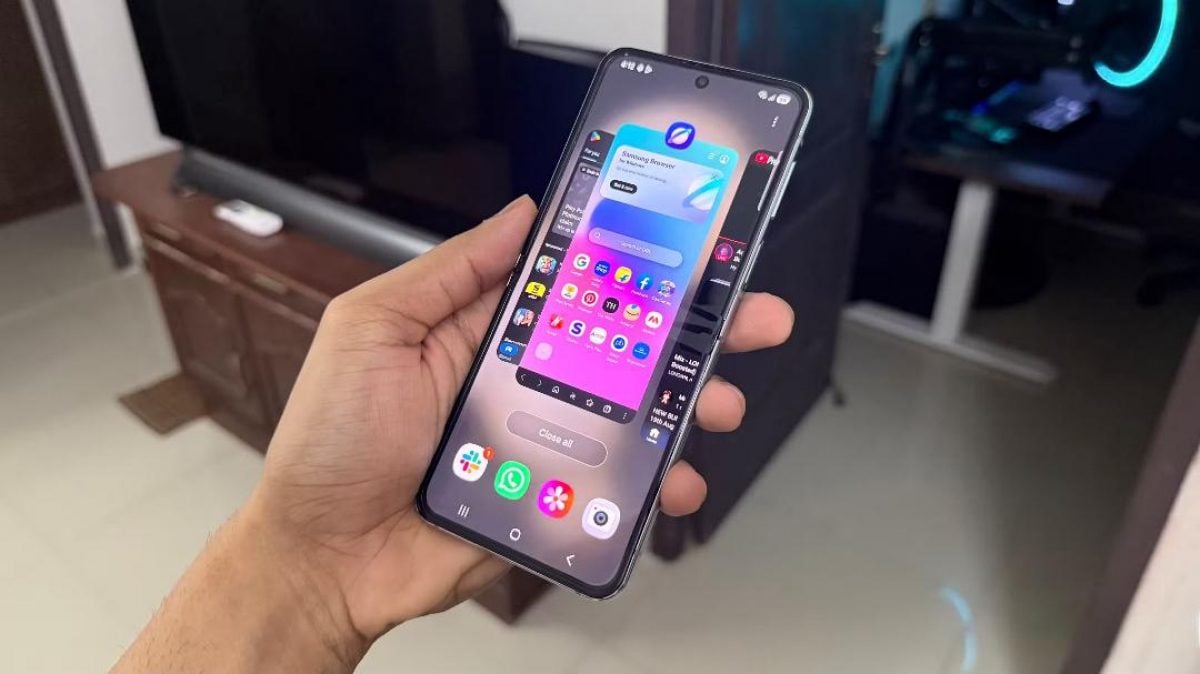
An Android developer setting that halves the duration of system animations can make smartphones feel twice as fast, according to a journalist at XDA Developers.
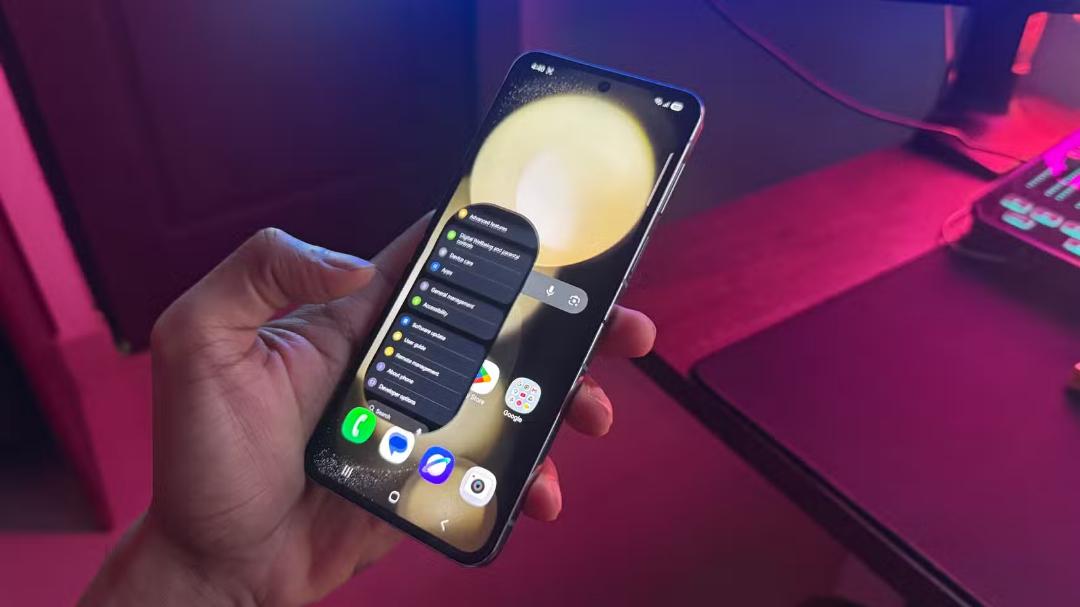
The journalist tested the method on a Samsung Galaxy Z Flip 5, finding that reducing the time taken for transition effects makes the user interface significantly more responsive.
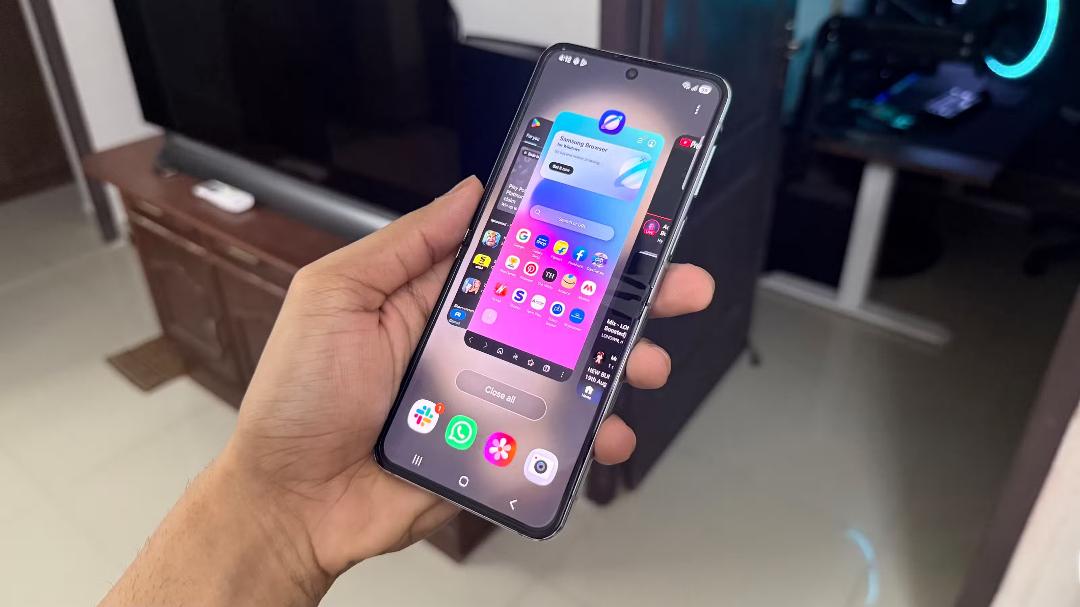
While the adjustment does not increase processor power or actual application loading times, it reduces the time users spend waiting for visual effects to finish playing. Often, an application is ready to use before the operating system has finished displaying the opening animation, which creates an artificial delay.
Accessing the hidden menu
The standard Android settings menu offers limited control over animation speeds. Samsung smartphones, which use the One UI interface, include a feature to reduce animations in the accessibility settings under visibility enhancements. However, this option disables most effects entirely, removing the smoothness of the interface.
A more precise method is available through the Android developer options. Users can activate this hidden menu by opening the settings application, navigating to the software information section under the about phone menu, and tapping the build number seven times. The developer options will then appear on the main settings page.
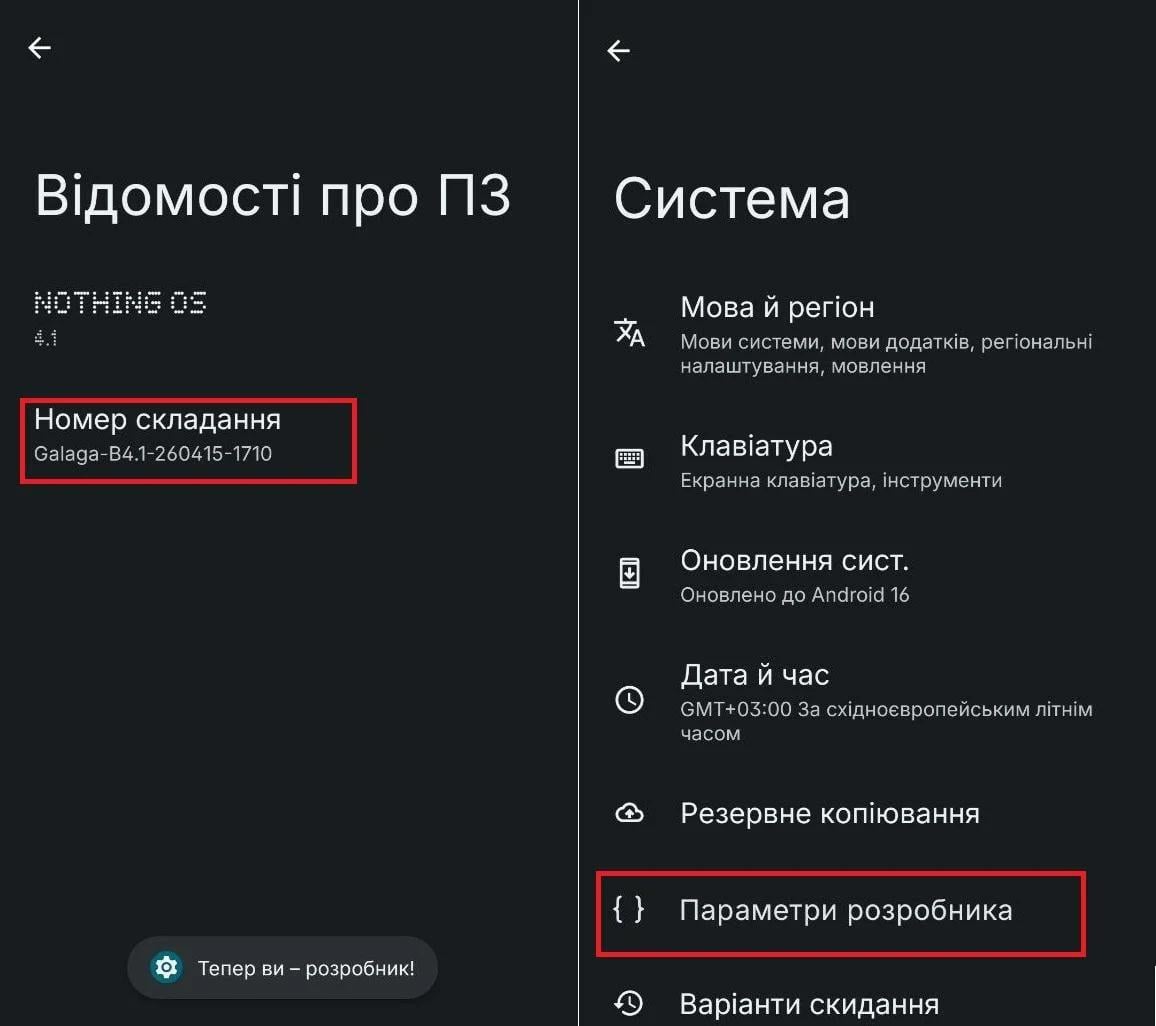
Within the developer options menu, users must locate the drawing subsection. This area contains three specific settings: window animation scale, transition animation scale, and animator duration scale.
These three settings default to a value of 1x. The XDA Developers report recommends changing each value to 0.5x.
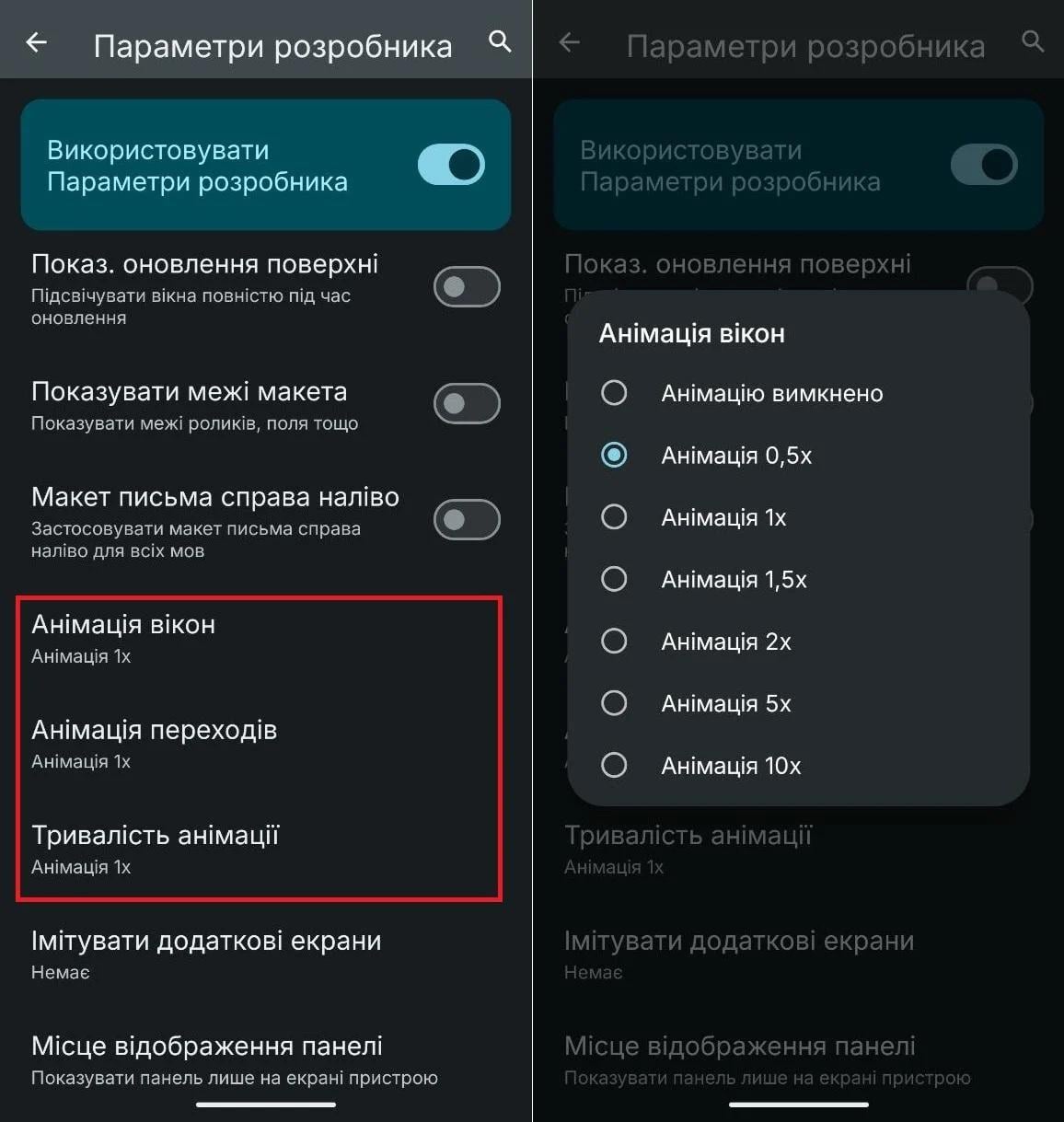
Applying this change forces system animations to play at twice their normal speed, bridging the gap between an application loading and the visual transition completing.
Maintaining visual smoothness
Users have the option to turn off animations completely, which makes the interface as fast as possible. However, the XDA Developers journalist advises against this approach because it removes the visual fluidity of the operating system.
The loss of smoothness is particularly noticeable on modern smartphones equipped with 120 Hz displays, where fluid transitions are a key part of the user experience. Removing animations entirely can make the interface feel abrupt and disjointed.
Setting the animation scales to 0.5x offers an optimal compromise. The system retains its visual effects, but they complete quickly enough that they no longer cause frustrating delays for the user.


