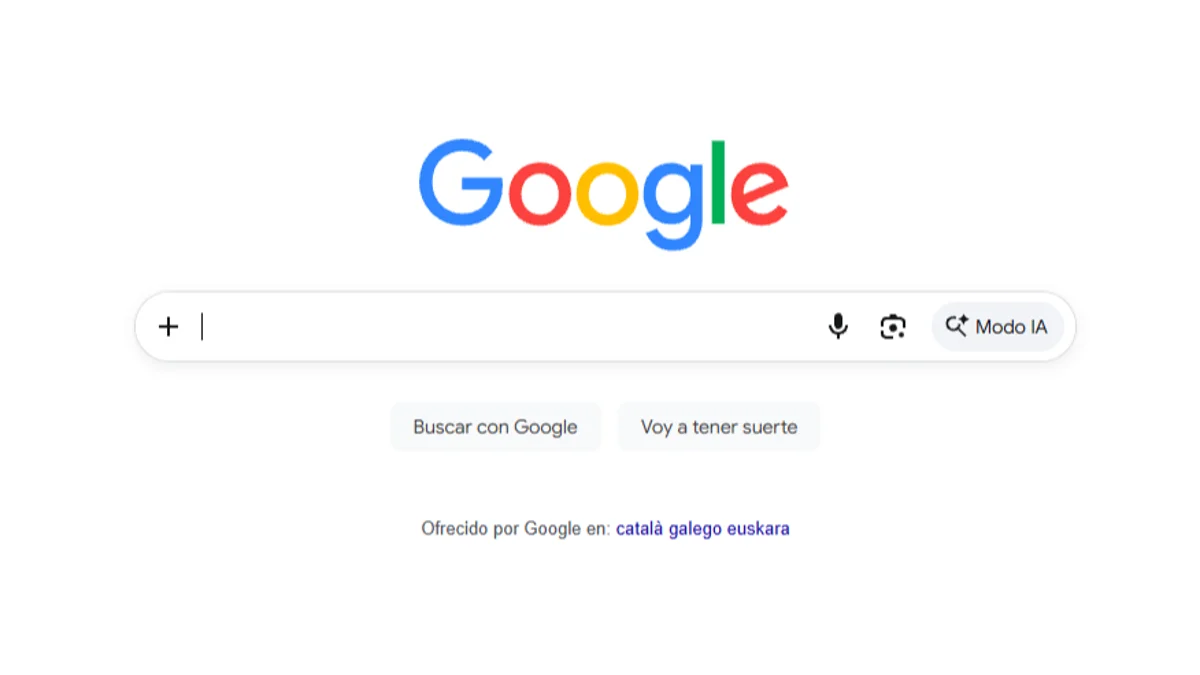
Google has removed the "Google Search" button that has sat beneath its search box since 1998, as part of a homepage redesign the company has begun rolling out worldwide on desktop.
The button, one of two that have defined Google's homepage for 28 years, has been replaced by three new shortcuts tied to artificial intelligence tools. One lets users generate an image, a second allows them to analyze a file, and a third opens Gemini to explore ideas. The other original button, "I'm Feeling Lucky," which sends users straight to the top search result for their query, remains in place.
Although the Search button held its spot for nearly three decades, it had become largely redundant in daily use. As soon as a user began typing a query, a drop-down menu of suggestions would appear over the button, making it far more common to reach results by pressing Enter or clicking a suggestion than by clicking the button itself.
New AI shortcuts replace the old button
Google is a subsidiary of Alphabet Inc, and the search homepage is the entry point for what the company has long described as its most heavily used product. The redesign reflects how artificial intelligence has reshaped the tools built around that core search box, shifting it from a single text field toward a hub for image generation, document analysis and conversational AI.
Sidebar lets users return to AI searches
Further changes appear on the left-hand margin of the page. Users signed into their Google account can open a sidebar showing their recent conversations in AI Mode, similar to the history panel found in other chatbots. The same sidebar history is also available on the search results page, making it possible to return to an earlier query and ask a follow-up question without restating the context.
Robby Stein, vice president of product for Google Search, said on X when announcing the rollout that an increasing number of users are coming to the search engine with questions that go beyond a single query. Stein said that during testing, the sidebar made it easier for users to pick up those searches where they had left off.
Part of a wider AI push
The changes are the latest sign of how deeply AI features, including AI Mode and Gemini, are being woven into Google's core search product, which has relied on the same basic homepage layout for nearly three decades.
What happens next
Google has begun rolling out the redesigned desktop homepage worldwide.
Test yourself
Which button did Google remove from its homepage?
How long had the removed button been on Google's homepage?
What new feature lets users revisit past AI conversations?
Have your say
Do you think AI shortcuts on Google's homepage are a useful addition?