

A television or monitor can appear to be working fine while quietly failing to deliver the 4K resolution or 120Hz refresh rate it is capable of, according to XDA Developers, a technology publication. The outlet said viewers often see no error message on their display even when the picture quality is being held back, and pointed to five common HDMI connection mistakes that can be to blame.
The first problem is using the wrong HDMI port. Even when a television has four HDMI inputs, they do not all necessarily support the same bandwidth. A cable rated for 4K at 120Hz will not make a port limited to 4K at 60Hz perform any faster, so XDA Developers advised checking the specifications of the exact port in use before assuming the television itself needs replacing.
The second issue is a cable that is too long. The longer an HDMI cable runs, the greater the risk of unstable performance when carrying a high-bandwidth signal. This can cause 4K at 120Hz or HDR to drop out, along with black screens and random picture interruptions. XDA Developers recommended keeping high-speed HDMI cables as short and direct as possible.
Old cables and hidden settings
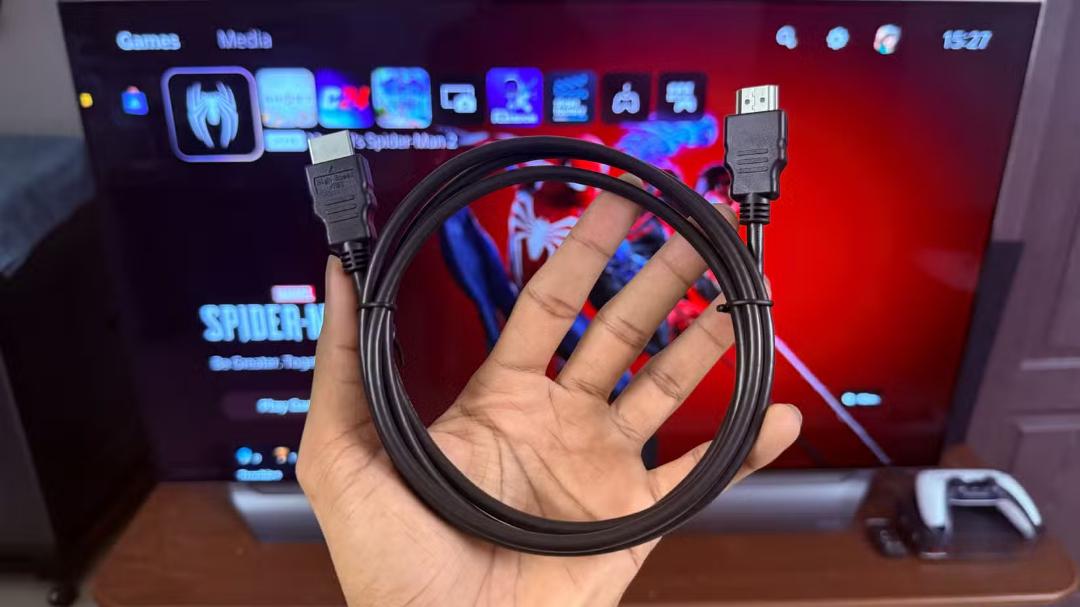
A third mistake is continuing to use an older cable. It may work perfectly well for Full HD or 4K at 30Hz but prove inadequate for a newer television or gaming monitor running at 120Hz.
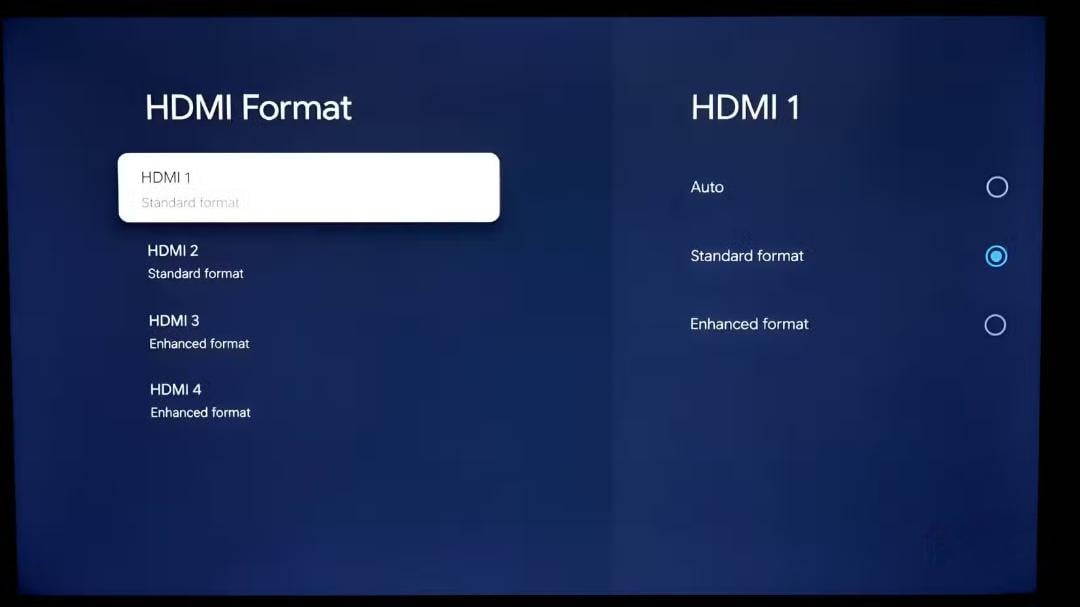
A less obvious cause is having a television's enhanced HDMI mode switched off. This setting is often labelled Enhanced Format, Input Signal Plus or Deep Color in a set's menu. Without it, some televisions restrict the refresh rates, HDR and other capabilities that are otherwise available.
Cable wear and physical damage
Finally, XDA Developers said the physical condition of the cable itself should not be overlooked. Although HDMI cables often look sturdy, they are not built to withstand constant mechanical strain. Sharp bends, cables pinched between a television and a wall, and cords twisted around furniture can all lead to an unstable connection over time.
The outlet recommended running cables with gentle curves and leaving a small amount of slack so that strain does not fall directly on the connector. If the signal starts to drop after a television has been moved, it advised checking the cable's condition first.
Many television owners assume all HDMI ports are identical, but XDA Developers said this is a common misconception. In reality, incorrect connections can quietly degrade both picture and sound quality and limit what a television is capable of showing.


