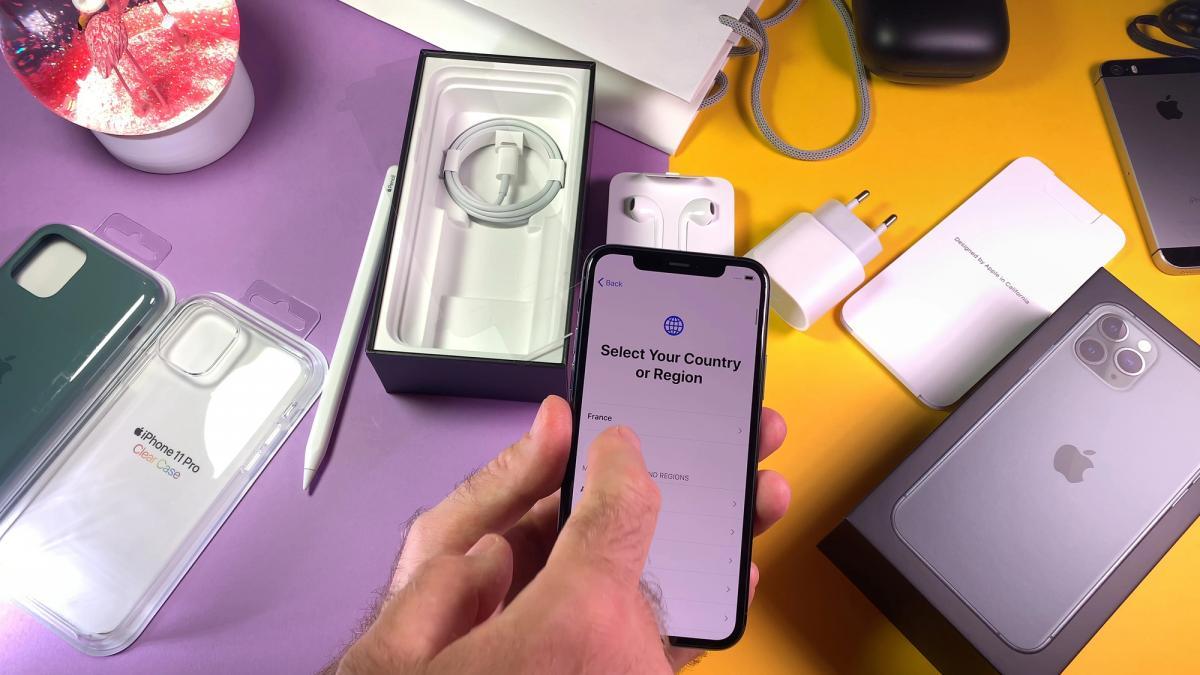
Experts at SlashGear have named five iPhone settings that owners should change immediately after buying a new device, according to a report. The advice applies to brand new iPhones, secondhand devices, and phones that have just had their settings fully reset.
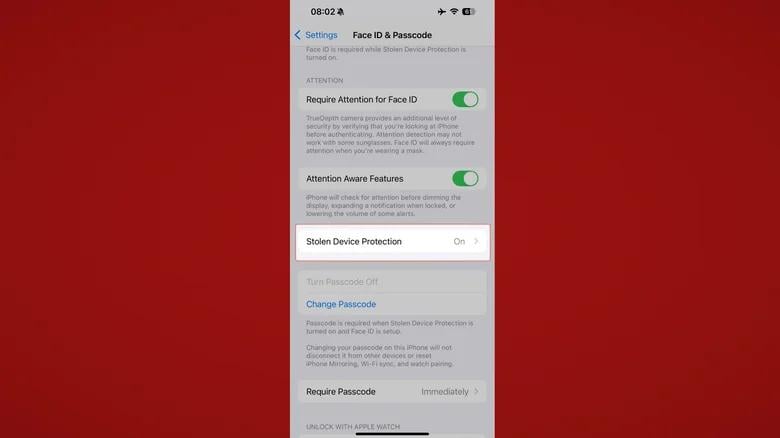
The first recommendation is to turn on Stolen Device Protection, a feature introduced in iOS 17. With it enabled, even someone who knows the owner's passcode cannot log into their Apple account, change system settings, or erase data without Face ID or a fingerprint. The feature is switched on through Settings, then Face ID and Passcode, then Stolen Device Protection, and can be set to stay active at all times, including at home or work.
Reassigning the Action Button
On the iPhone 15 Pro and newer models, the physical mute switch has been replaced by an Action Button. By default it toggles silent mode, but it can be reassigned to launch the camera, turn on the flashlight, open the voice recorder, start a translator, or run commands through the Shortcuts app.
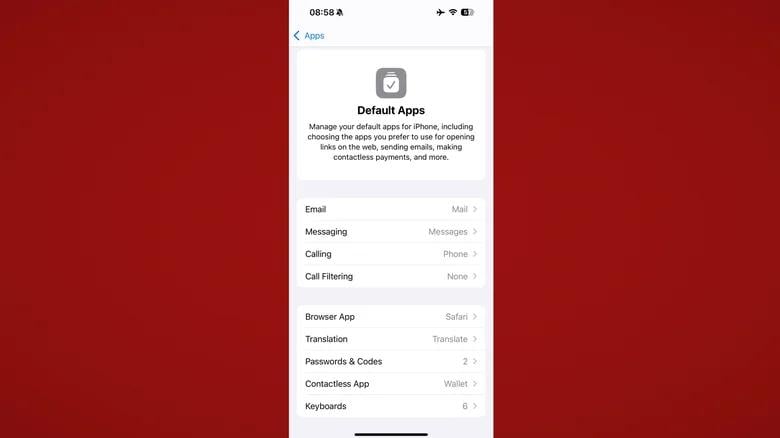
SlashGear also suggests changing default apps. Under Settings, then Apps, then Default Apps, users can swap in third-party services for the browser, email, calling, messaging, and translation apps instead of Apple's own, which is useful for people who prefer Chrome, Gmail, Bitwarden, and similar services.
Cutting back on data collection
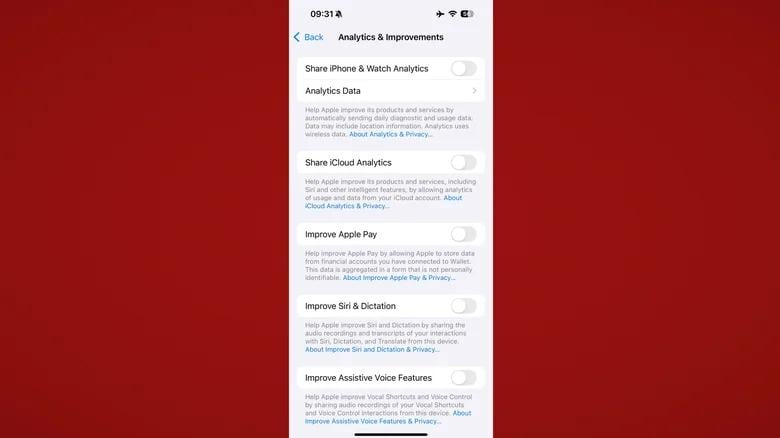
Apple still collects some diagnostic data and usage statistics by default. To limit this, the report advises going to Settings, then Privacy and Security, then Analytics and Improvements, and switching off every toggle there, then turning off personalized ads under Apple Advertising, and finally disabling search data sharing in Search settings. These changes have little effect on how the phone runs but reduce the information sent to Apple.
Trying hidden accessibility features
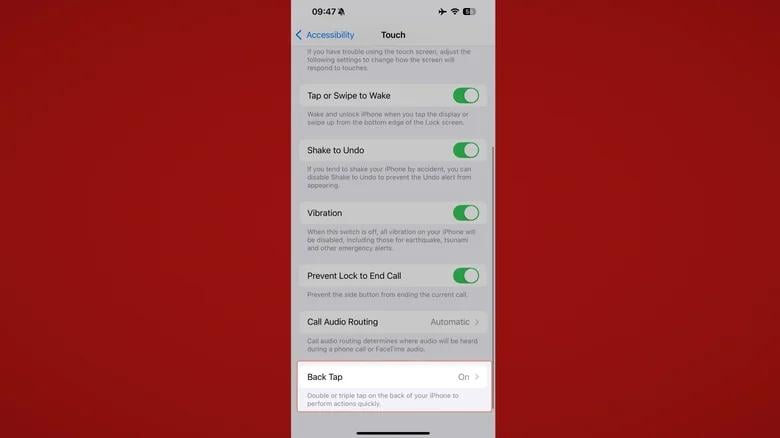
The fifth recommendation is exploring accessibility features that can be useful even for users without disabilities. These include Back Tap, which triggers actions with a double or triple tap on the back of the phone; Sound Recognition, which alerts users to a doorbell or a crying baby; and custom voice commands that trigger preset actions with a spoken phrase. All of these are found under Settings, then Accessibility. SlashGear notes the initial setup takes only a few minutes but makes a new iPhone safer, more convenient, and better suited to its owner's habits.