

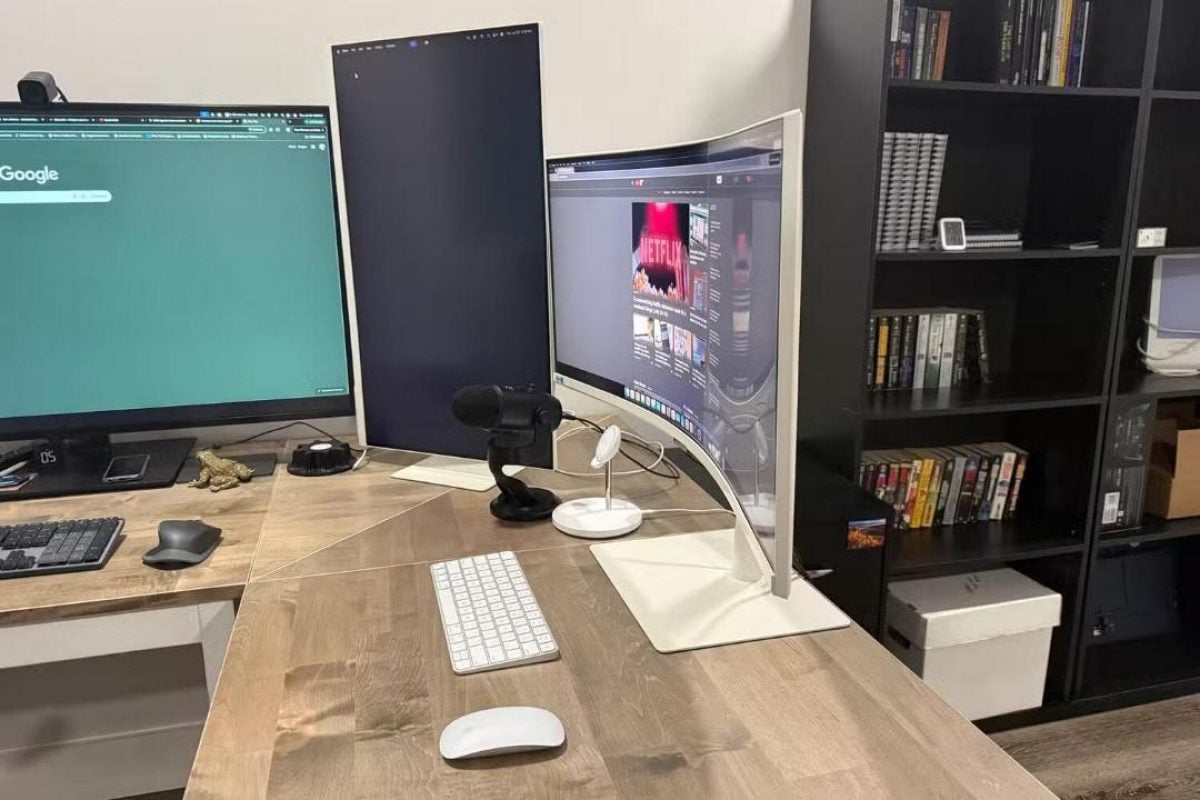
Experts at MakeUseOf said old computer monitors that have been sitting unused do not need to be thrown into landfills. Even if their specifications are outdated and image quality lags behind modern models, old screens can still serve useful functions without requiring complex technology or expensive extra parts.
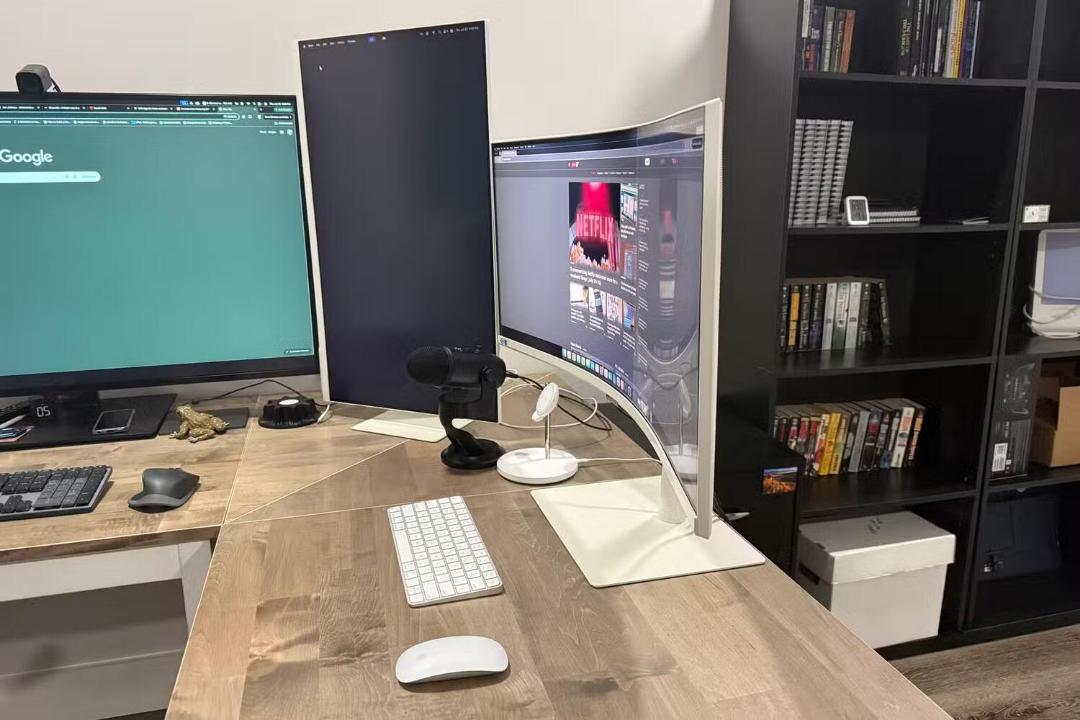
One primary option is converting an old monitor into a second display for a computer or laptop. Experts noted that even with lower resolution or refresh rates, older screens work well for auxiliary tasks. Users can place the screen on its original stand or use a monitor mount to save desk space. A mount allows users to rotate the display vertically, which helps when reading documents, long web pages, and text files.
Connecting old displays with adapters
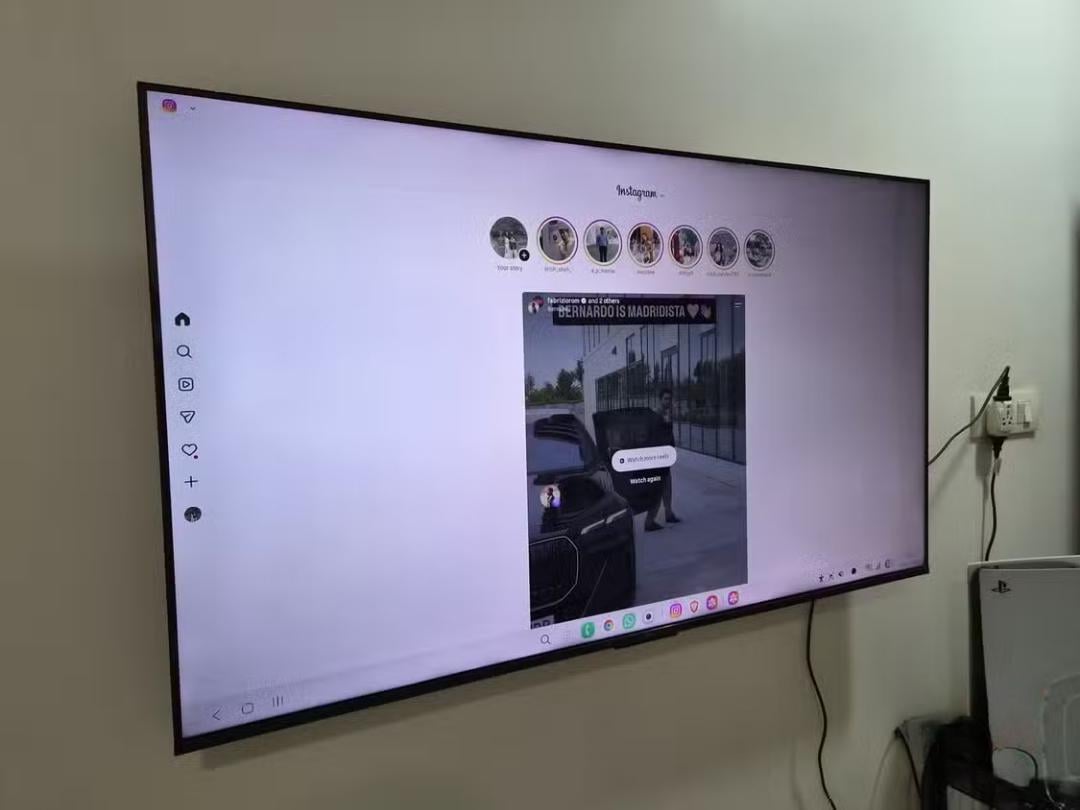
Displays lacking modern ports can still connect to newer computers by using adapters. Monitors with older HDMI ports connect through standard HDMI cables, while laptops without HDMI ports can connect using USB-C to HDMI cables or docking stations with video outputs.
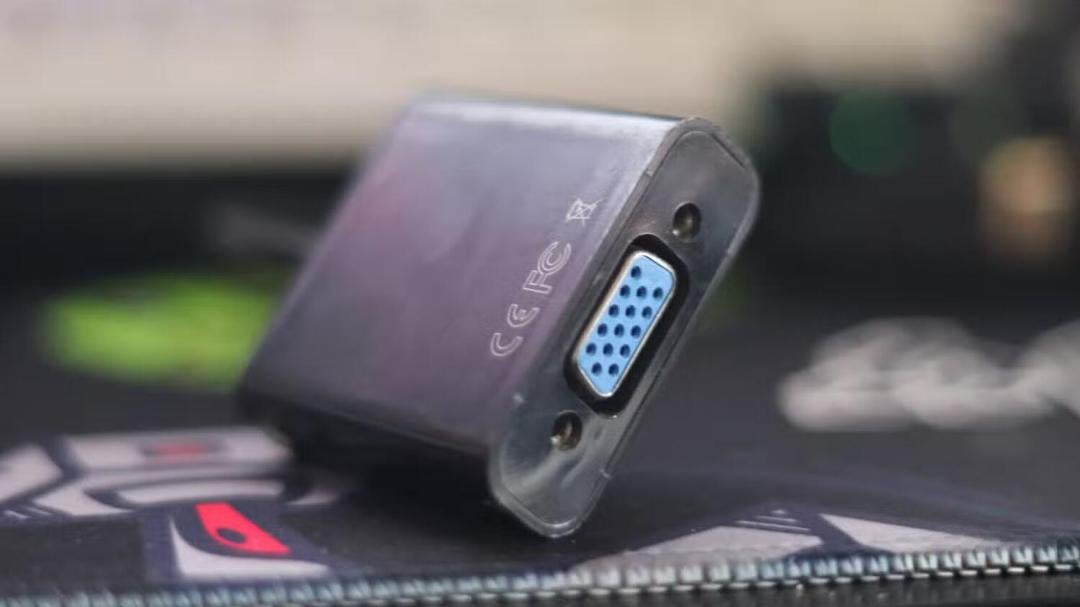
Monitors that only feature VGA ports can also link to modern computers using HDMI to VGA adapters. MakeUseOf experts cautioned that while adapters solve connector compatibility issues, they cannot upgrade the underlying matrix panel specs or overall image quality.
Overclocking display refresh rates
Enthusiasts can also attempt hardware overclocking to increase a monitor's refresh rate beyond factory defaults. Many monitors and televisions operate at a conservative default frequency that can be raised manually.
On Windows systems, users can run the Custom Resolution Utility to add higher refresh rates and test stability. Experts recommended increasing the rate in small steps of 5 Hz. If the display shows artifacts or loses signal, users should revert to the previous stable setting. MakeUseOf noted that while some monitors have minimal headroom, others can run noticeably faster than their declared 60 Hz rating.
Adjusting display settings and calibration
Users can also improve daily viewing comfort by manually adjusting brightness, contrast, and color settings through the monitor's on-screen display panel. Proper calibration is especially helpful when running multi-monitor setups with mismatched screens.
MakeUseOf experts previously outlined which hardware devices should never be plugged into a monitor's USB port. Separate data from a Steam survey showed that 51 percent of PC gamers still used a 1920x1080 resolution for their main monitor in July 2026, while 20 percent used 2K. The survey also identified the RTX 3060 as the most popular graphics card in July 2026.


